Event feedback
After an event finishes, the app may ask you to share a few thoughts on how it went. The feedback helps the organisation improve future events and helps us improve the app.
When it appears
When an organiser marks an event as over and the organisation collects feedback, a feedback request is created for everyone who took part. You get a How was the event? notification, and the next time you open the app, a short feedback sheet appears automatically.
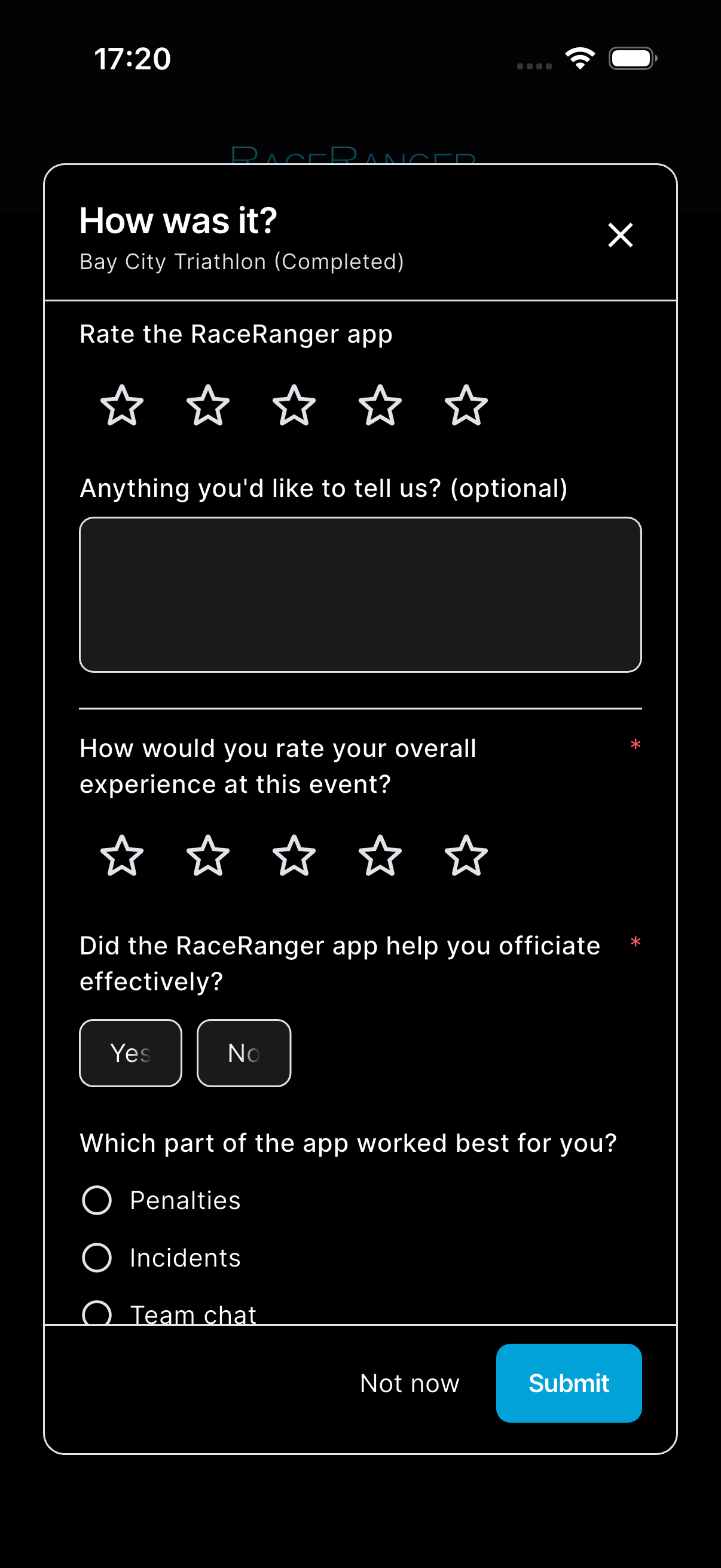
If the organisation hasn't set up its own questions, you may instead be asked now and then — at most every few months — just to rate the app.
You can fill it in straight away, or tap Not now to skip it. The app asks Skip feedback? — tap Skip, and the request won't show again.
What's on the sheet
From time to time — not after every event — the sheet starts with a quick app rating: tap the stars under Rate the RaceRanger app and, optionally, leave a comment. If you give the app four or five stars, the app may ask whether you'd also rate it in the app store.
Below that come the organisation's own questions. These vary by organisation but can include any of:
- Rating — tap a number of stars.
- Yes / No — tap one of the two chips.
- Single choice — pick one option from a list.
- Multiple choice — tick all the options that apply.
- Free text — type a longer answer.
Questions marked with an asterisk (*) are required. When you've answered everything, tap Submit.
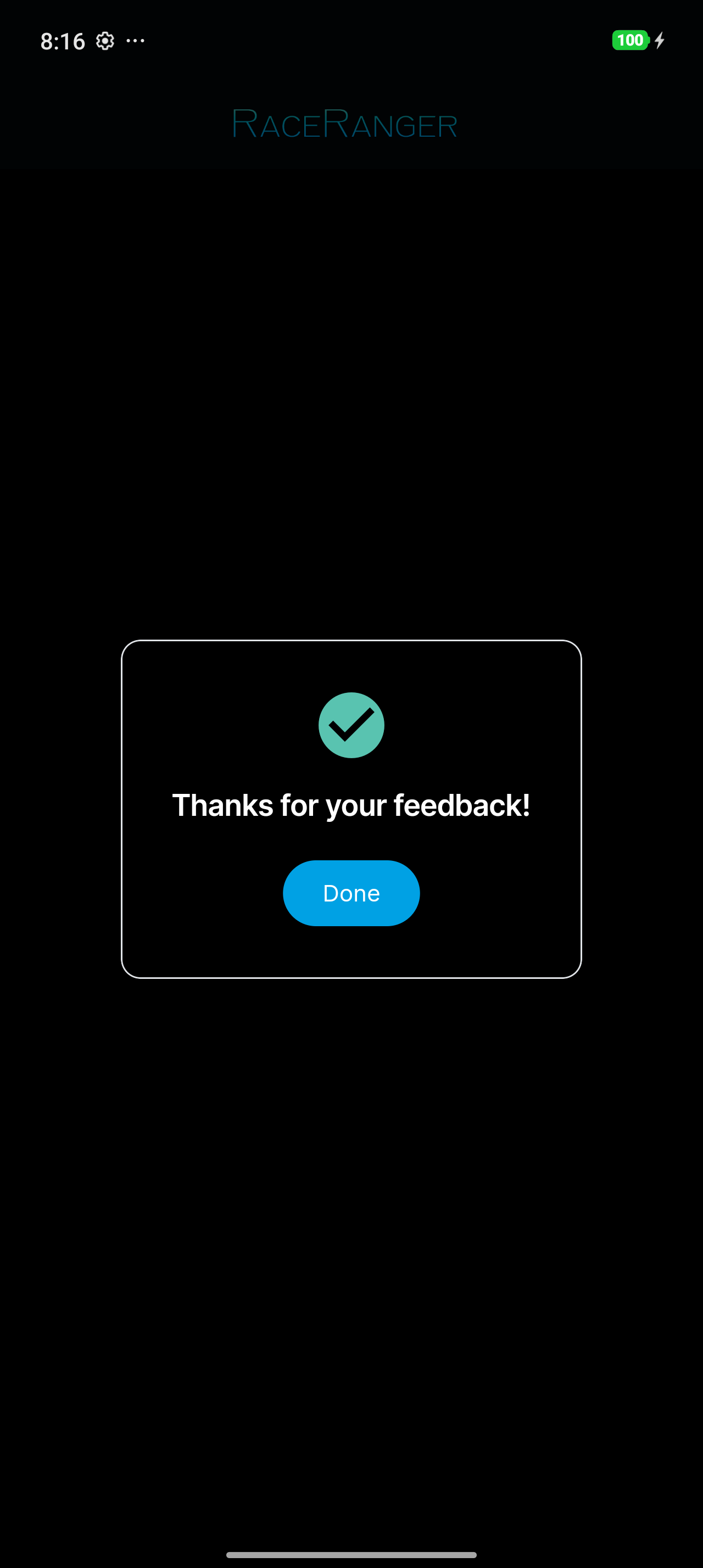
You only need to submit once per event — after that the request is marked done and won't reappear.
Your feedback history
Feedbacks on your profile lists the feedback you've given, with each request marked Submitted, Skipped, or Pending. Tap a pending request to complete it. Give app feedback lets you rate the app at any time.
Privacy
Your responses are shared with the organisation that ran the event and with the RaceRanger team. Each official submits their own feedback; you can't see other officials' answers.