Chat
RaceRanger includes real-time team chat for coordination during events. Officials can communicate without leaving the app or switching to a separate messaging tool.
Chat works both in the app and on the web — on the web, chat opens as a panel on the event page. Whether an event has chat depends on its size; see Managing events.
Chat channels
Each event has pre-configured chat channels based on roles. The specific channels depend on your organisation's configuration — for example, there may be channels for the technical team, the local organising committee, media, or other groups.
On large events, people who can edit the event can add more channels. Some chats belong to a race — such as the threads linked to a penalty or incident — while others are event-wide.
Which channels you see
Your role determines which channels are visible. Each role is configured with access to specific channels. You'll only see the channels assigned to your role.
In race mode, open the Tools folder and tap Chat: the list shows the event's channels plus this race's threads. On the event page, the chat icon in the bottom bar lists every chat you're in for the event. The most recent conversations come first, and a dot marks unread ones the moment a message arrives.
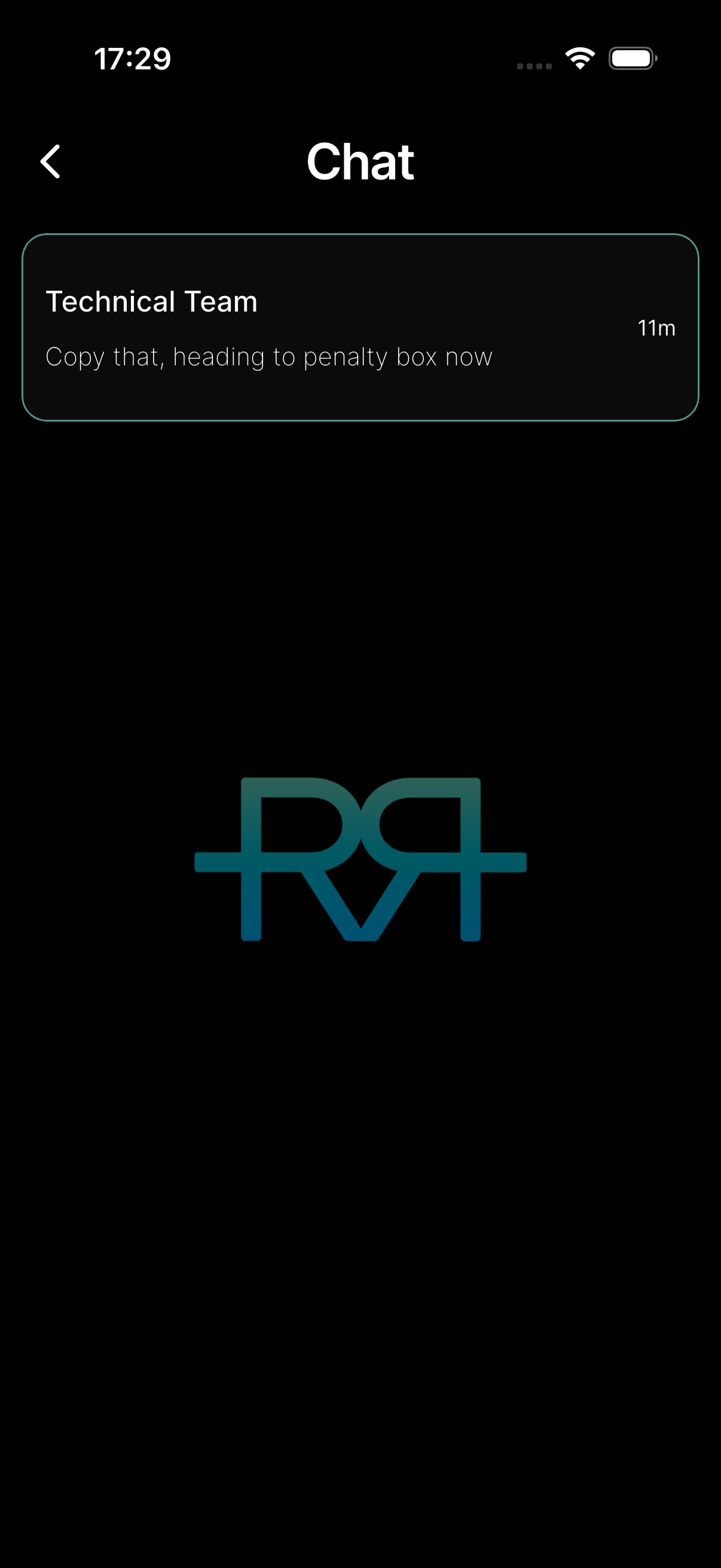
If you can edit the event and your organisation uses the AI assistant, the AI Assistant is pinned at the top of the chat list, showing its last reply. Tap it to pick up your last conversation. See AI assistant.
Sending messages
From the chat list, tap a channel to open it. Your own messages sit in blue bubbles on the right; everyone else's are grey, with their name and picture.
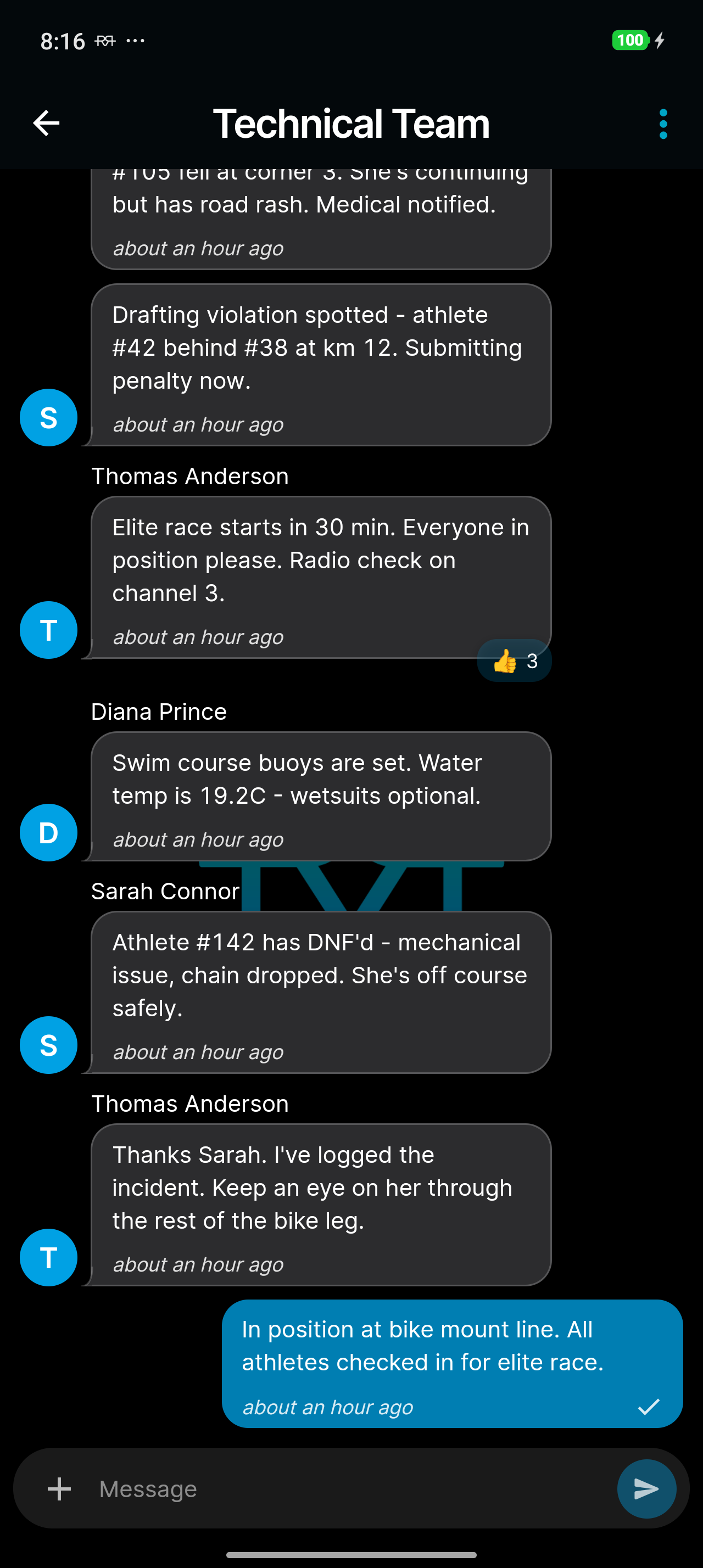
You can:
- Send text messages — type and send. Type @ to mention someone; they're notified even if they muted the chat.
-
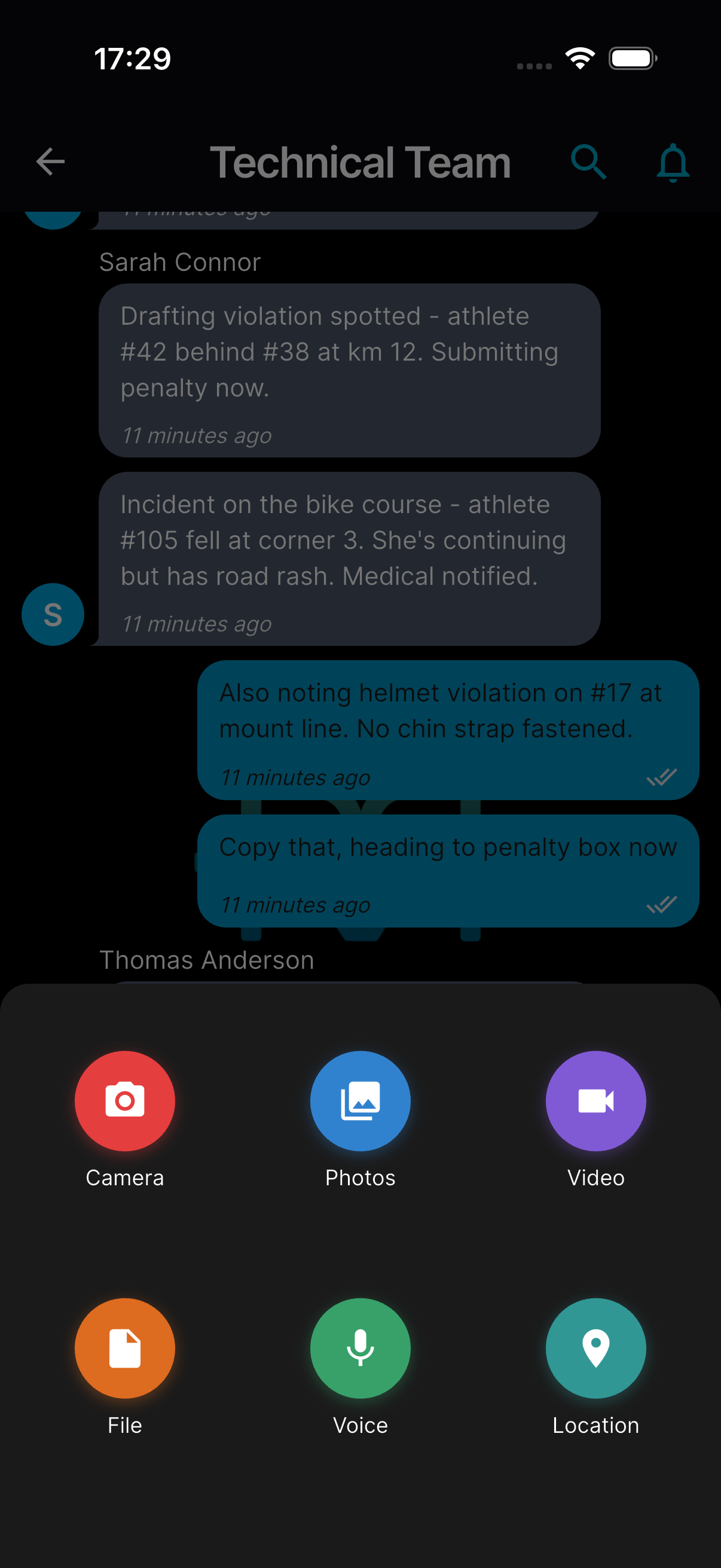
Attach images, videos, files, voice notes, and locations — tap the + to the left of the Message field and pick Camera, Photos, Video, File, Voice, or Location. A message holds up to 50 photos and 20 videos; once it's full the add buttons switch off, and the app tells you if some of your picks weren't added. Voice notes work in the mobile app only.
-
Share your location — tap Location to attach your current position. Anyone can tap a shared location to open it on a map, then Share location to open it in their maps app (Open in maps) or share it — on the web, copy it.
- Keep an unfinished message — if you switch to another chat or leave and come back, your unsent message (and any mentions in it) is kept for you.
Long-press a message to open its menu:
- Reactions — pick an emoji at the top of the menu to add or remove a reaction. Reactions from all participants appear below the bubble.
- Reply — answer in-thread. Tap the quoted preview inside a reply to scroll back to the original message.
- Copy text — copy the message.
- Forward — send it to another chat in the same event.
- Save to incident or Save to penalty — in a chat linked to an incident or penalty, attach the message's photos and videos to it. They stay in the chat message as well.
- Report — report someone else's message (see below).
Tap a photo to see it full screen; Save to device keeps a copy on your phone.
If you can edit the event, a ! button next to the Message field marks your message as important: it reaches members even if they muted the chat.
The chat menu
Inside a chat, the menu in the top-right corner gives you:
- Search this chat — find a message in the conversation.
- Mute notifications / Unmute notifications — silence this channel. Muting is available in the mobile app only, because a mute set on the web would also silence your phone.
- Members — see who's in the chat, with muted members marked.
On the web, the chat panel offers Search this chat and Members directly in its top bar; muting stays in the mobile app.
Closed channels
When a channel is closed (for example, after an event wraps up), the message input is replaced with This chat is inactive — sending is disabled, and no further messages can be sent. Existing messages remain readable.
Penalty and incident chats
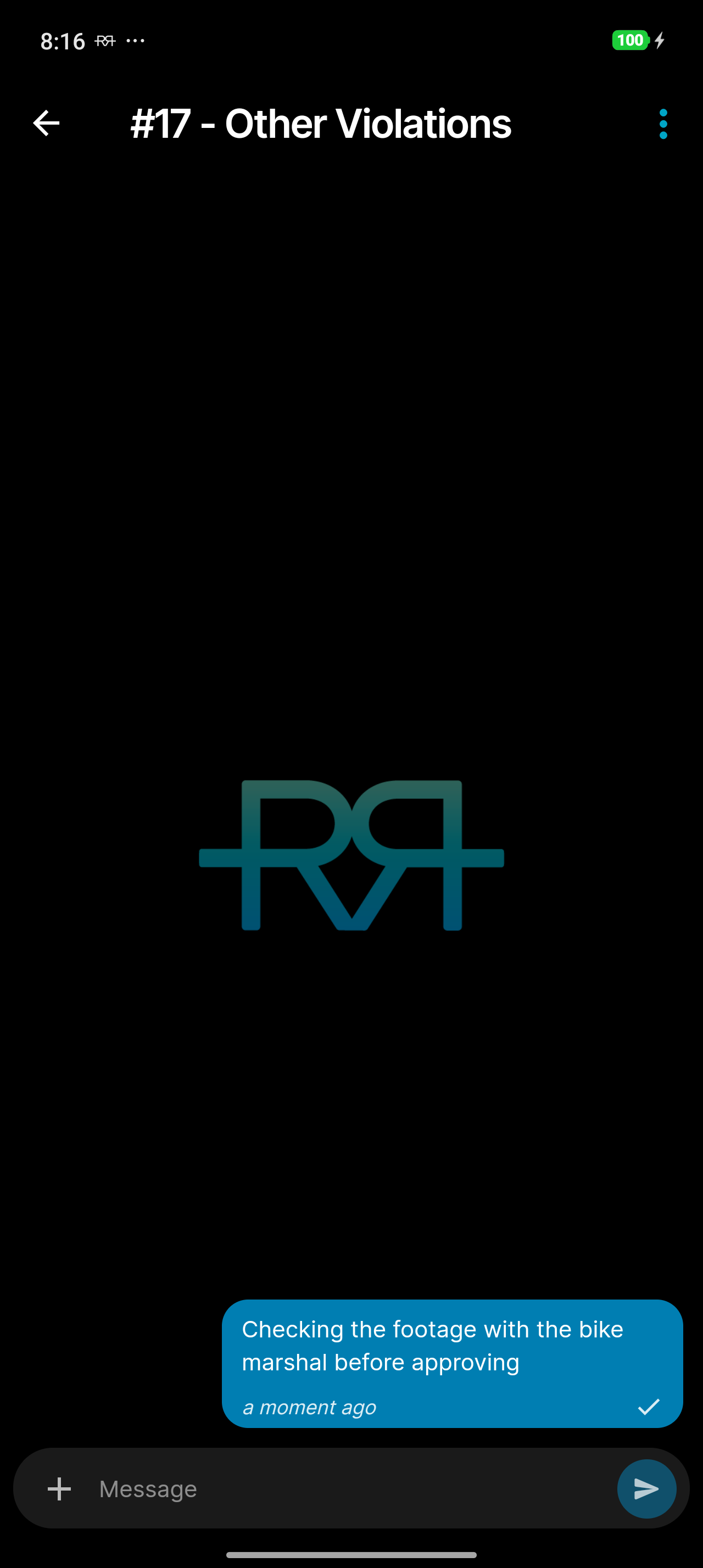
When the event has chat, a penalty or incident can get its own linked chat thread. Open the penalty or incident, tap the menu button at the top of its review, and choose Create Chat. Once the thread exists, Chat opens it. Officials can discuss the specific penalty or incident there without cluttering the main channels. The official who reported it and officials who can update it can start the thread.
Notifications
Chat notifications are controlled per channel. You can:
- Mute or unmute each channel from the chat menu in the mobile app. Muting silences ordinary messages; replies to you, mentions of you, and messages marked important still come through.
- See unread message indicators on the chat list — they appear the moment a message arrives. In race mode, the Tools folder counts unread chats too.
- Receive push notifications for new messages, and when someone reacts to your message.
Reporting
If a message is inappropriate, you can report it. Reports are categorised (harassment, hate speech, spam, etc.) and reviewed by administrators.