Quick penalty
The abbreviated steps to report a penalty during a race. For the long form (statuses, list filtering, approvals, evidence handling), see Penalties.
The five-tap version
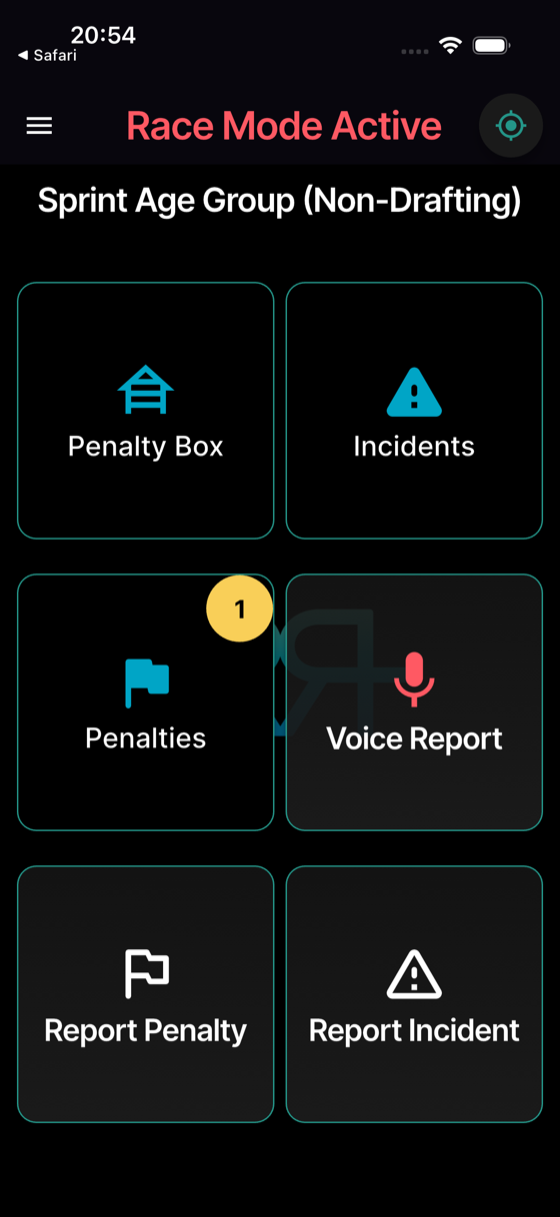
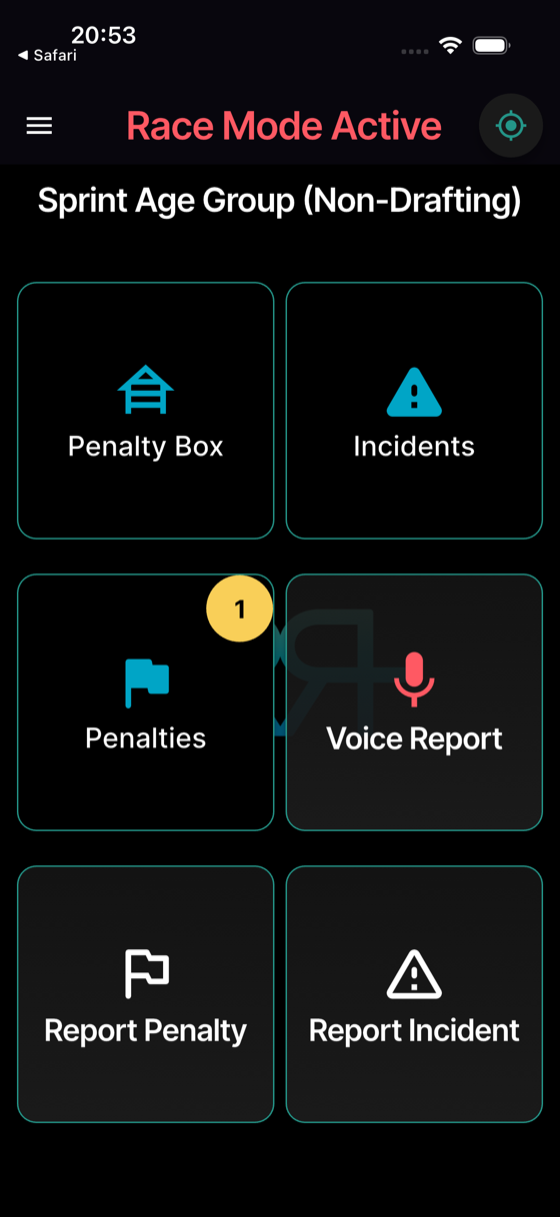
From Race Mode Active:
- Report Penalty tile.
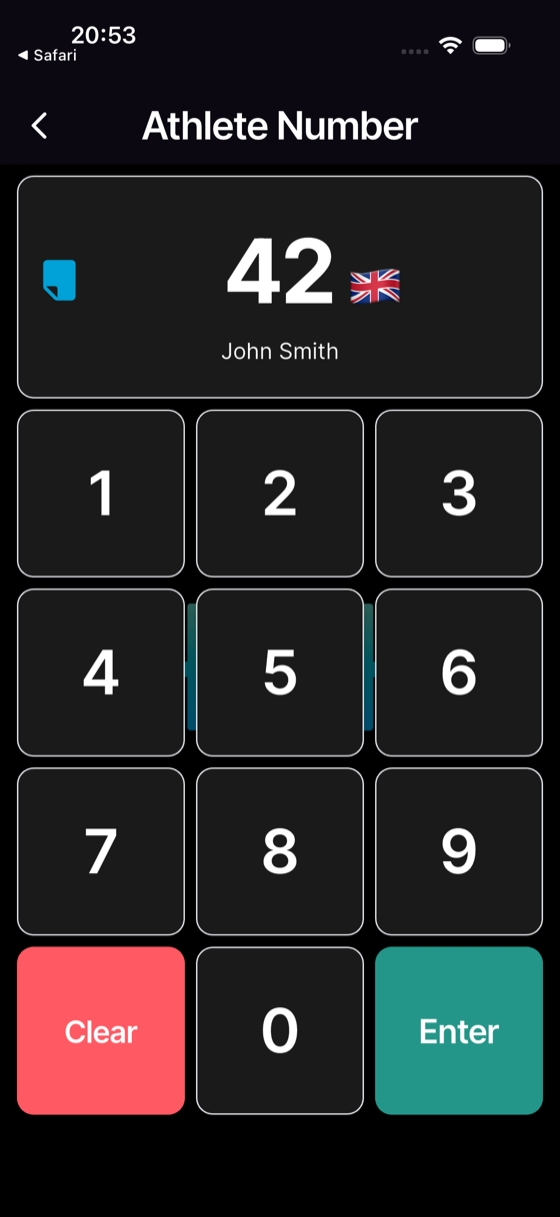
- Type the athlete number on the keypad — their name appears — then tap the green arrow key.
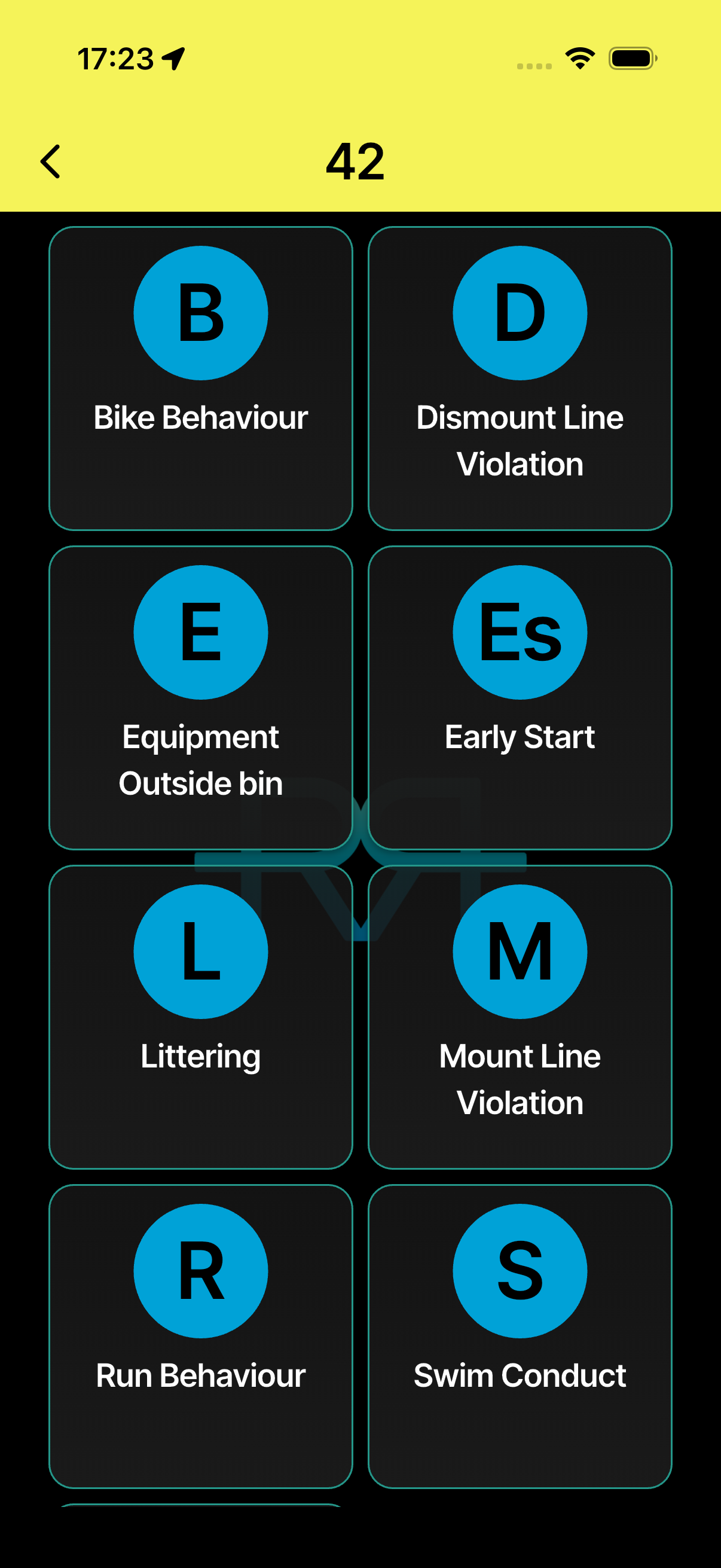
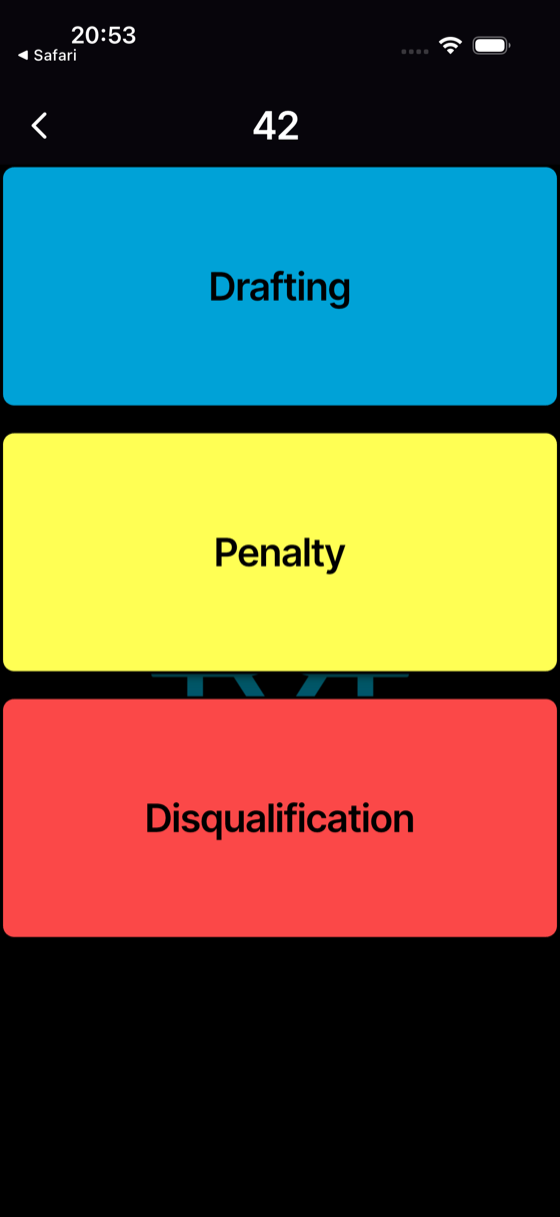
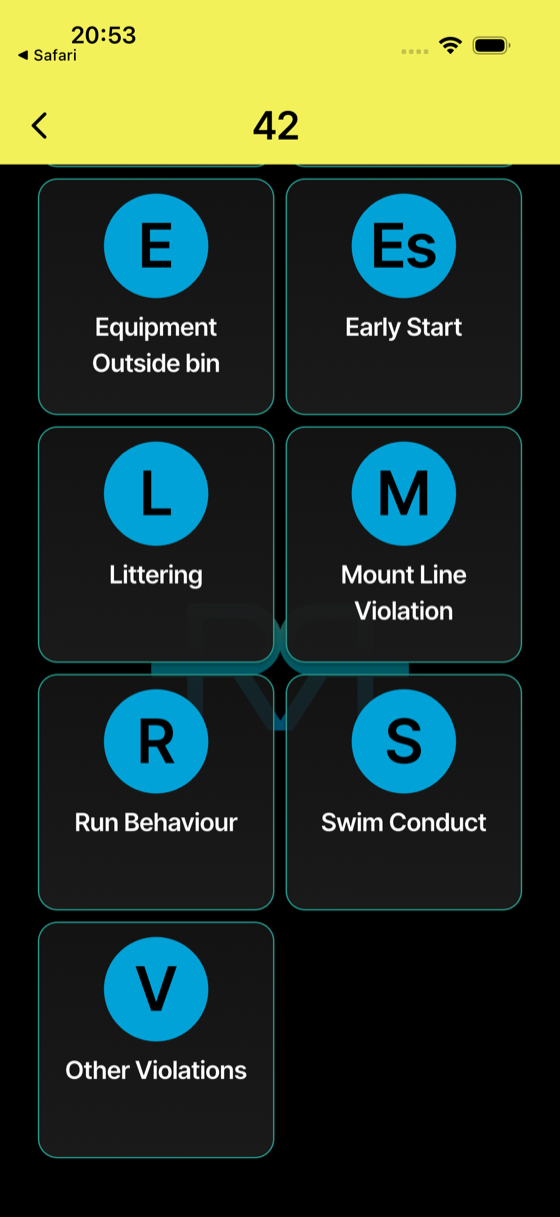
- Tap the penalty in the list. It's colour-coded: drafting penalties in blue at the top (on non-drafting races), the other penalties in yellow, and Disqualification in red at the bottom (if you're allowed to disqualify).
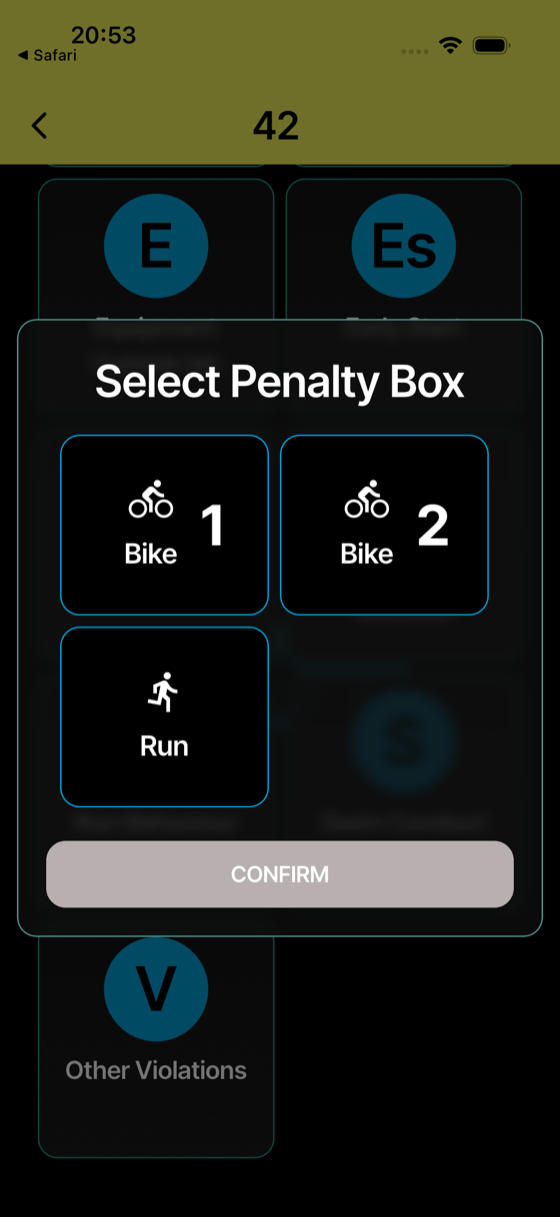
- Only if the app asks: pick the penalty box (for example a Bike box or Run) → CONFIRM. The app only asks when there's a real choice; otherwise it fills in the box for you.
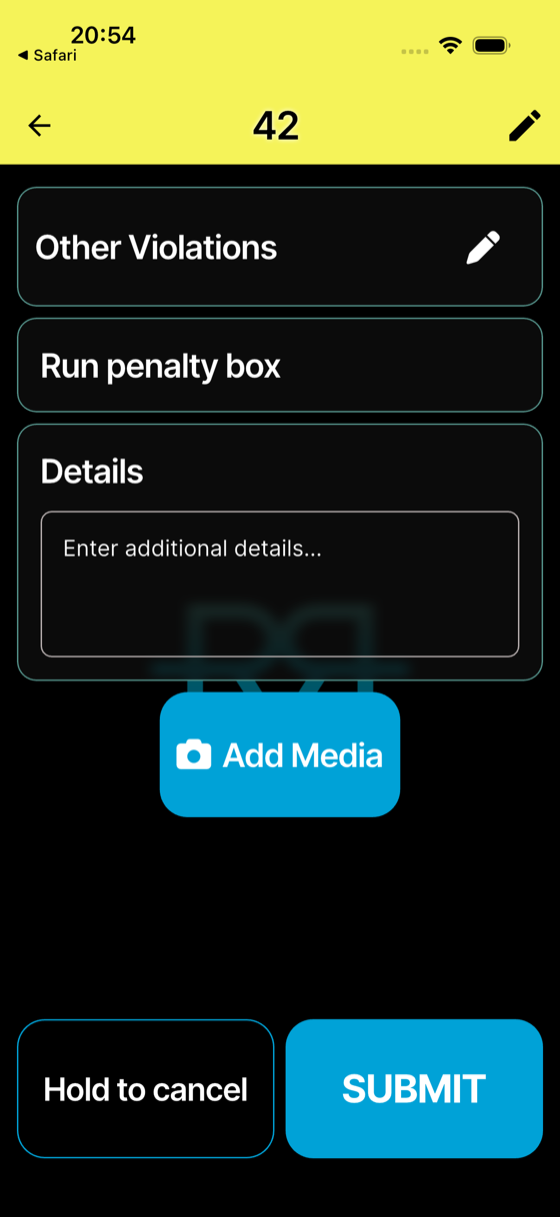
- (Optional) add a note or a photo → SUBMIT.
The form shows the athlete, the penalty, the box, and the serve time. Tap Change to go back to the list and pick a different penalty.
Tap through the whole flow:
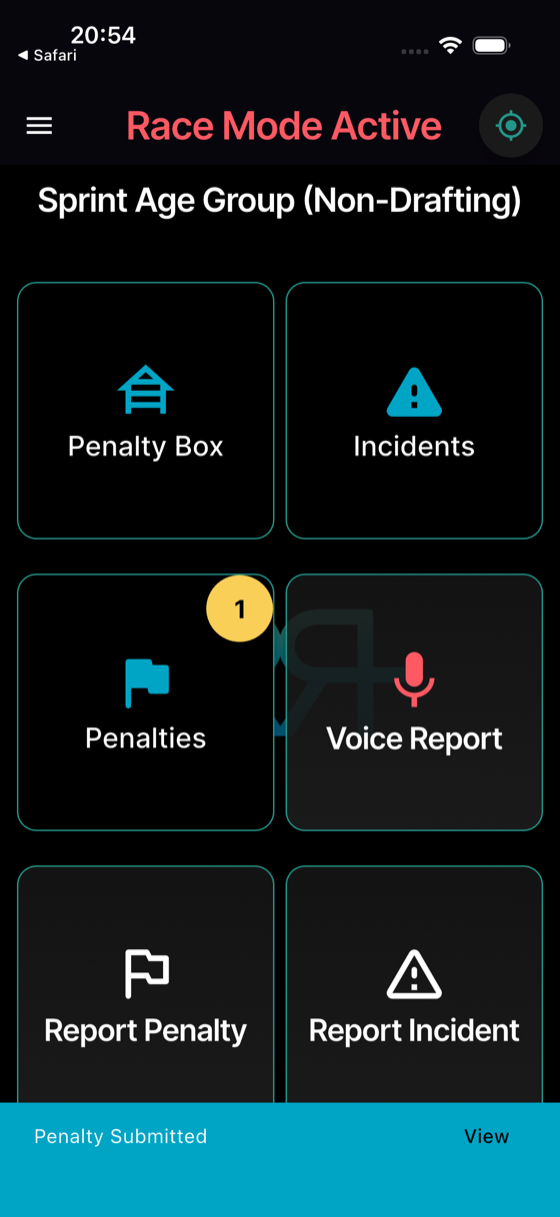
Penalty Submitted appears for a few seconds, with a View shortcut. The penalty is saved on your phone straight away and sent as soon as you have a connection; photos upload in the background. If it can't be saved — for example, you don't have permission on that race — the app tells you with Not saved.
What the app records automatically
You don't need to type these — they're attached to the penalty:
- Your location at submission, when your phone has one.
- The exact timestamp.
- Your identity (which official reported it).
- The race the penalty belongs to.
Cancel without submitting
Press and hold the Hold to cancel button until you're back in race mode. A short tap won't do it (intentional — protects against accidental cancels while moving the phone around).
Made a mistake?
If the race allows it, you can correct your own penalty for a few minutes after you submit it: open the penalty, and the Your report card lets you Cancel penalty or Change number — until the penalty box acts on it. See Correcting your own report.
Voice instead of taps
On large events, the Voice Report tile lets you dictate "number 42, drafting" — the app fills in the form for you to check and submit. See Voice commands.
Approval
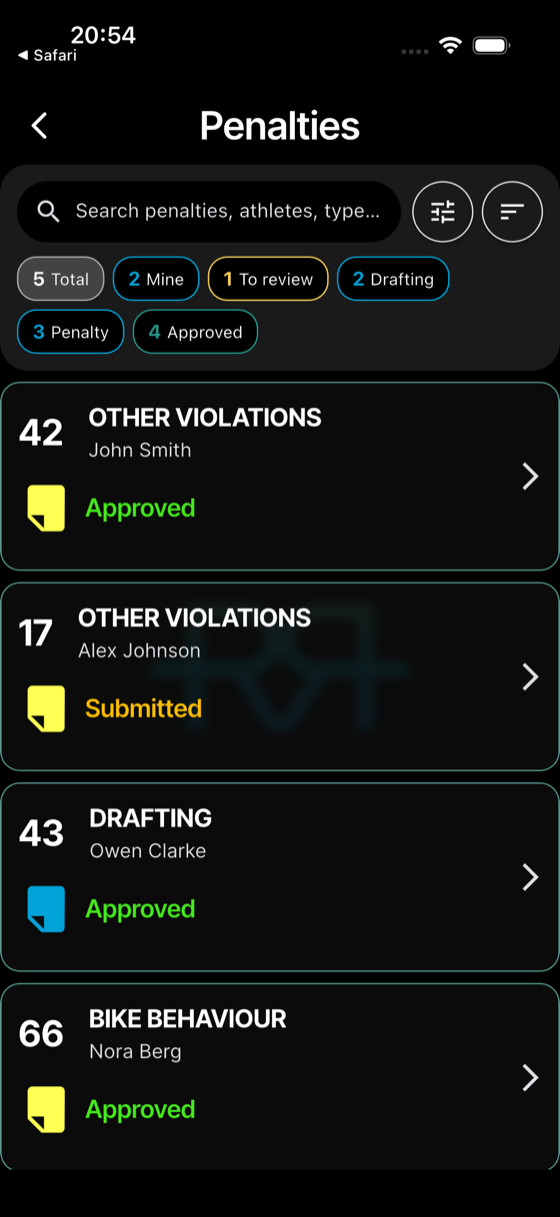
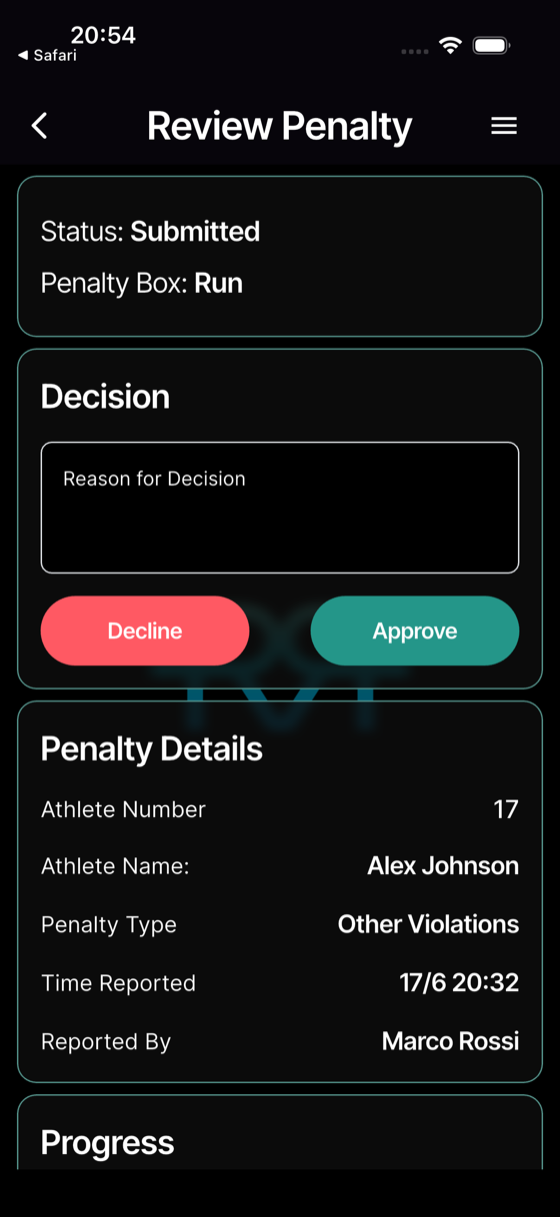
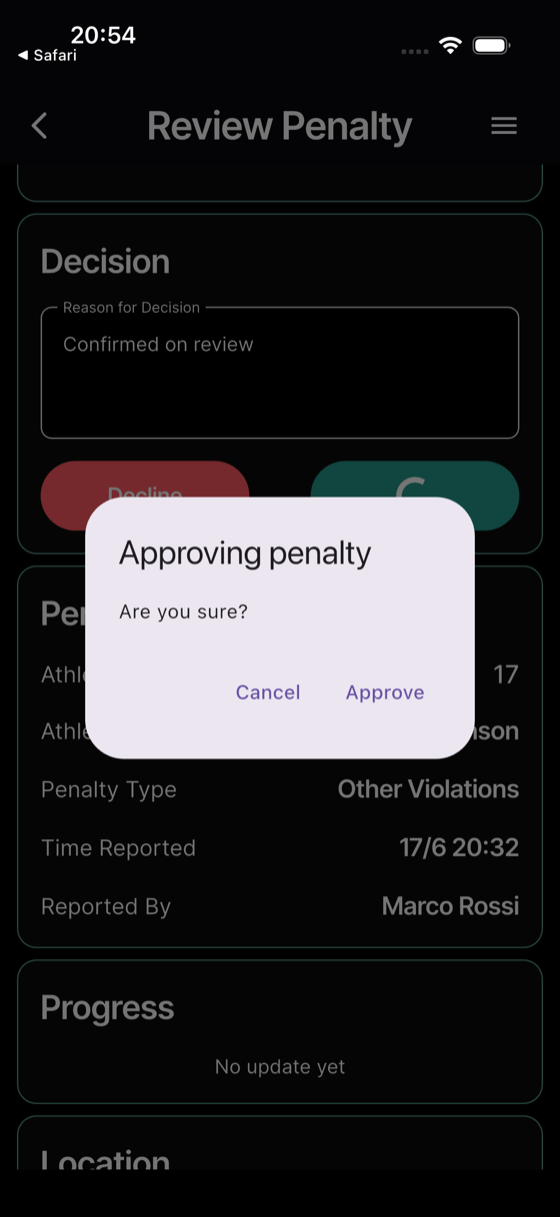
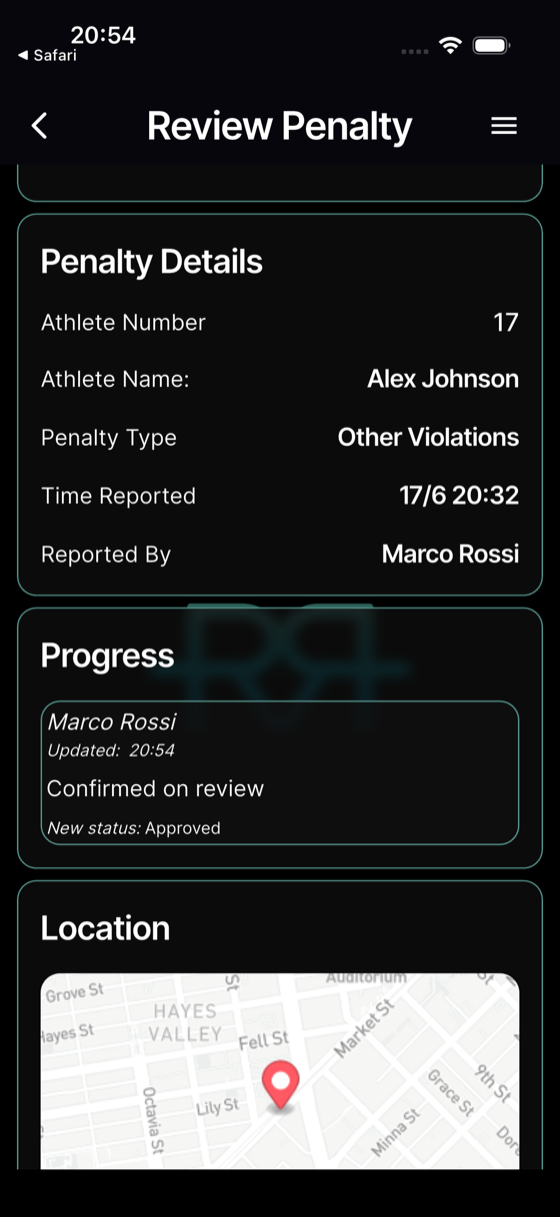
After submission the penalty status is Submitted. An official with approval rights (typically the Head Referee) opens it from Penalties & Incidents, types a Reason for Decision, and taps Approve (or Decline). The Are you sure? dialog confirms the change. See Penalty statuses for the full lifecycle.