Voice commands
Voice reports let you submit penalties and incidents hands-free: you say what happened, and the app fills in the form for you. This is useful when you're on a motorbike, at a busy course position, or otherwise unable to use the touchscreen.
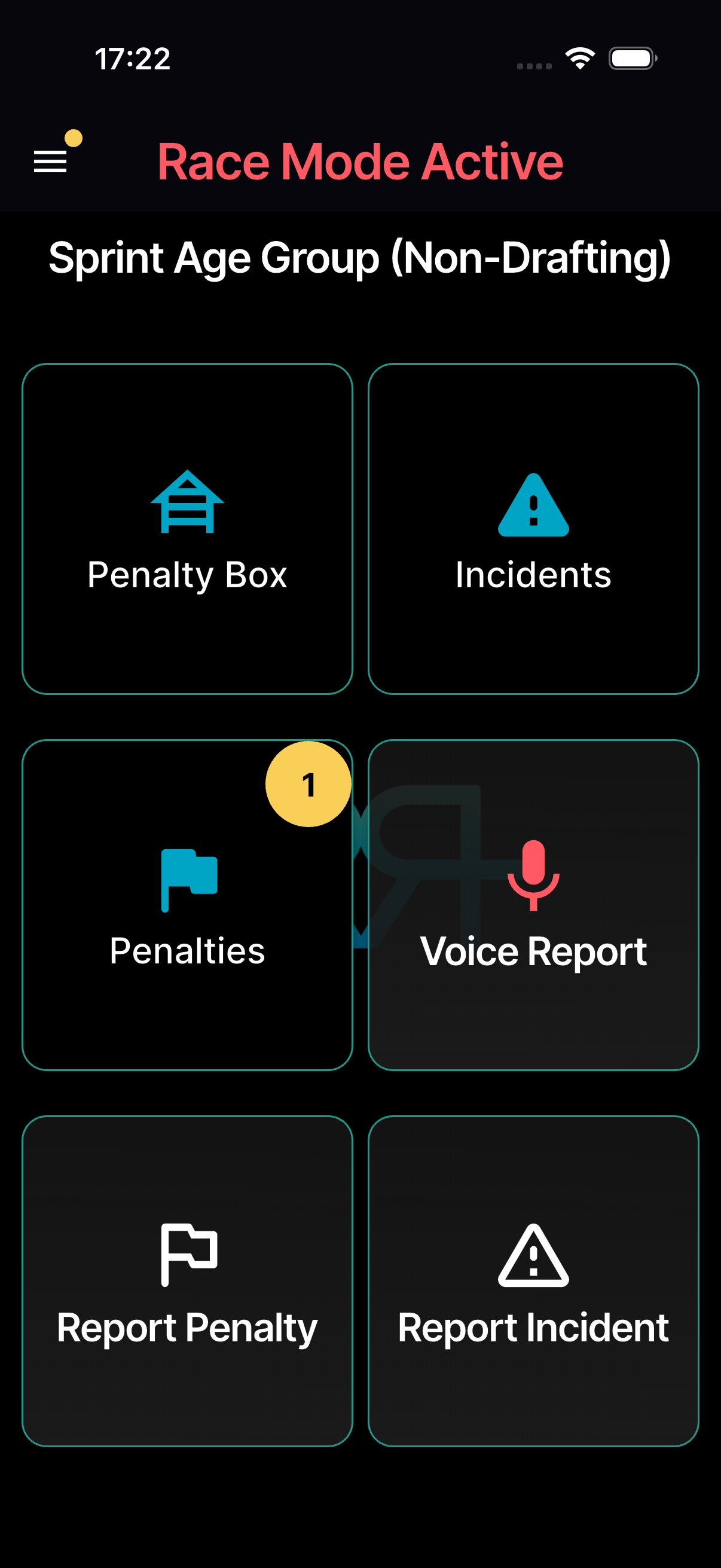
On the phone, the Voice Report tile appears on large events for officials whose role has Can use AI.
How it works
-
Tap Voice Report on the race mode screen. The first time, your phone asks for access to the microphone.
-
Recording starts straight away and the screen says Speak. Say the athlete number and what happened — for example, "Athlete 42, drafting penalty on the bike course" or "Medical incident near the aid station." You have up to 15 seconds; tap the microphone to finish sooner.
- The app turns your recording into text and works out the penalty or incident (Processing).
- The standard penalty or incident submission form opens, pre-filled with the athlete number, type, and a note from your voice input.
- Review, edit if needed, and submit.
Cancel stops the report at any point.
If something goes wrong
- Speak again — the recording was silent or too short, so nothing was sent. The app simply records again.
- Try again? — processing is taking too long. Your recording is saved: tap Retry to send the same recording again rather than repeating your report.
When the app can't make a report out of your recording, it tells you why, in the language you use the app in:
| Message | What to do |
|---|---|
| No penalty or incident recognised | Nothing you said matched a penalty or incident type. Record again and name it, or use the form. |
| Nothing heard | No speech was heard in the recording. Record it again. |
| Report not understood | The recording couldn't be read. Record it again, or use the form. |
| Number not in this race | The athlete number isn't in this race's number ranges. Record again with the right number. |
| Say the gender | The number is used in more than one category. Record again and say the athlete's gender. |
| Drafting is allowed here | Drafting is legal in this race. Record again with a different penalty. |
| Not allowed | You don't have permission for that kind of report on this race. |
What the AI understands
The voice classification handles:
- Penalty reports — athlete number, penalty type, and a note. On a relay, it also picks up the leg (A–D) from what you say.
- Incident reports — athlete number (if applicable), incident type, and a note.
The AI maps your natural language to the correct penalty or incident type. For example, "number 15 was in the draft zone" becomes a drafting penalty for athlete 15. It only suggests a disqualification if you're allowed to disqualify.
The note is written in the language of your organisation's penalty and incident types. If you spoke another language, your own words follow in square brackets.
Supported languages
Just speak in your preferred language — the AI will classify the report into the correct penalty or incident type regardless of the language used. Nearly 40 languages are supported:
All supported languages
Arabic, Bengali, Bulgarian, Chinese (simplified and traditional), Croatian, Czech, Danish, Dutch, English, Estonian, Finnish, French, German, Greek, Hebrew, Hindi, Hungarian, Indonesian, Italian, Japanese, Korean, Latvian, Lithuanian, Norwegian, Polish, Portuguese, Romanian, Russian, Serbian, Slovak, Slovenian, Spanish, Swahili, Swedish, Thai, Turkish, Ukrainian, and Vietnamese.
Requirements
- The event must include voice reports — that's decided by the event size (large events).
- Your role needs Can use AI. On races with TO assignments, your TO assignment for that race counts.
- You must be able to submit penalties or incidents on the race.
- Your device needs a working microphone and internet connection.
Tips
- Speak clearly and include the athlete number.
- State the penalty or incident type explicitly when possible.
- On a relay, say the leg letter with the team number. If a number is used in more than one category, say the athlete's gender too.
- Review the AI's classification before submitting — it's good but not perfect.
- In noisy environments, hold the device closer to your mouth.
You can also report by voice from your watch — see Apple Watch.
Audio recordings
Your recording is uploaded to RaceRanger and turned into text by AI. The app reminds you that the result can be wrong, so check it before you submit. The recording isn't attached to the penalty or incident — reviewers see the note, not the recording.